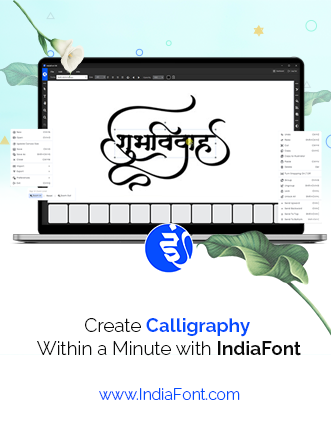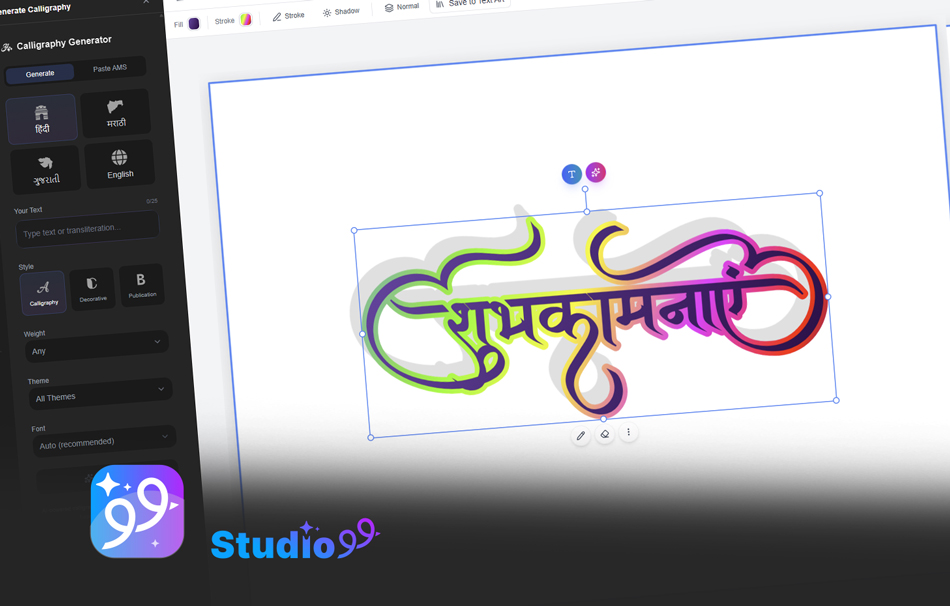
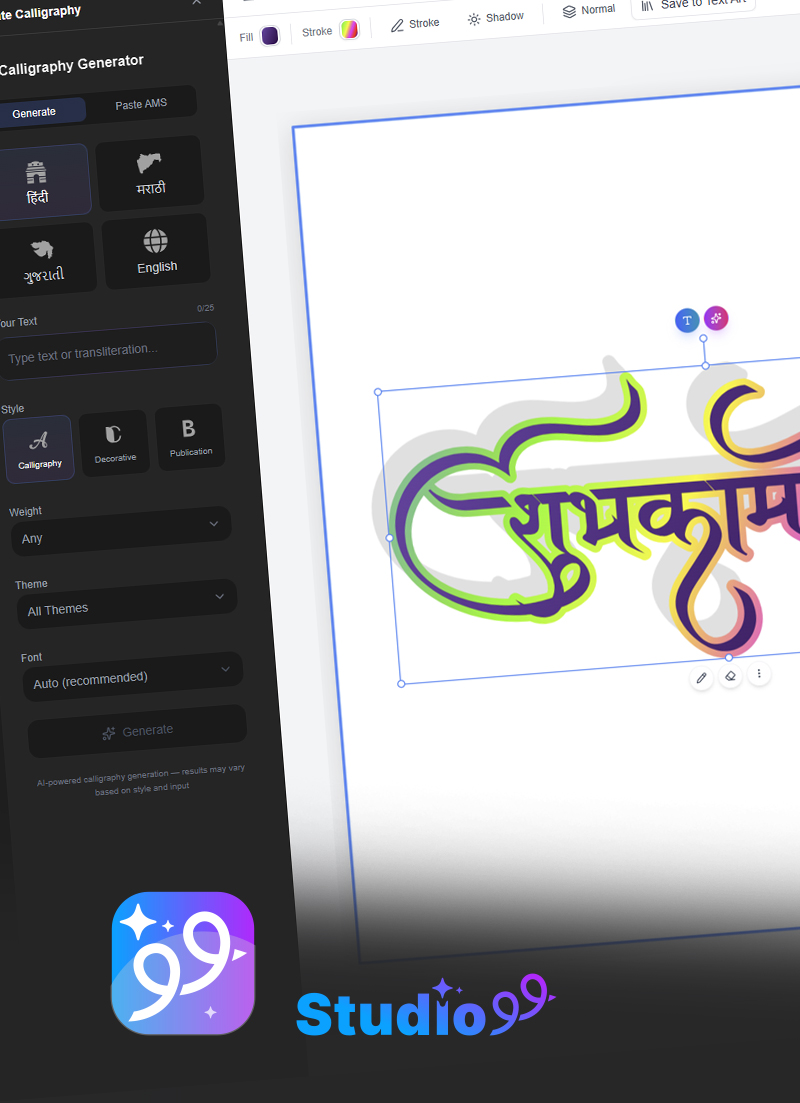
Design & generate beautiful calligraphy online — the web version of IndiaFont. A full editor like Canva, built for Indian type. No download, works in your browser.
Free trial available
Try Studio99Convert Unicode to AMS font format for Hindi, Marathi, and Gujarati — instantly and free. The online Indian font converter for non-Unicode AMS Devanagari fonts used in CorelDRAW, Photoshop, and Illustrator.
Simple steps to convert Unicode text to AMS font format
Choose from Hindi, Marathi, or Gujarati for AMS font conversion.
Enter Unicode text or use transliteration to generate Unicode first.
Receive text converted to non-Unicode AMS font format for traditional typography.
Advanced Unicode to AMS conversion for non-Unicode font workflows
Convert Unicode text to non-Unicode AMS font format with perfect accuracy for traditional typography workflows.
Output is specially formatted for AMS Devanagari fonts used in traditional publishing and design.
Convert Unicode to AMS format for Hindi, Marathi, and Gujarati with language-specific encoding.
AMS fonts are the non-Unicode Devanagari fonts that Indian designers have used for decades to create Hindi, Marathi, and Gujarati calligraphy for wedding cards, banners, logos, and print design. Unlike Unicode fonts — where every letter has one fixed code — AMS fonts store characters in custom positions to allow richer calligraphic shapes and conjuncts (jodakshar).
The catch: because AMS fonts are non-Unicode, you can't simply type modern Unicode text (from WhatsApp, Google, or MS Word) and expect it to display correctly. That's what this AMS font converter does — it maps your Unicode Hindi, Marathi, or Gujarati text to the exact AMS encoding, so you can paste it into CorelDRAW, Photoshop, or Illustrator and apply any AMS font instantly.
It's free, works right in your browser, and needs no signup. Browse our 170+ free AMS fonts, read the full Unicode to AMS guide, or explore Hindi and Marathi font collections.
Get IndiaFont Desktop - Professional calligraphy software with 500+ fonts, built-in converter, and advanced typography tools for CorelDRAW, Photoshop, and Illustrator.
An AMS font converter transforms standard Unicode text (the format used by websites, WhatsApp, and MS Word) into the AMS font encoding used by IndiaFont and other traditional Devanagari design fonts. Because AMS fonts are 'non-Unicode', you cannot type directly into them — this tool maps your Hindi, Marathi, or Gujarati text to the correct AMS characters instantly.
Select your language (Hindi, Marathi, or Gujarati), then type or paste your Unicode text. The converter shows the AMS-formatted output in real time. Click Copy and paste it into CorelDRAW, Photoshop, Illustrator, or any design software using an AMS font.
Yes. The Unicode-to-AMS converter on IndiaFont.in is completely free, works in your browser, requires no signup, and has no limit on how many times you can convert.
Unicode is the universal standard where each character has one fixed code — it displays the same everywhere. AMS fonts are 'non-Unicode' (legacy/ASCII-mapped) fonts where characters are stored in custom positions for design flexibility. AMS fonts give designers richer calligraphic shapes and conjuncts, which is why they remain popular for Hindi, Marathi, and Gujarati typography — but they need a converter to type Unicode text into them.
Yes. The tool supports Hindi, Marathi, and Gujarati, each with language-specific AMS encoding so matras and jodakshar (conjuncts) map correctly. Just switch the language tab before converting.
This tool specializes in Unicode-to-AMS conversion, which is the direction most IndiaFont, CorelDRAW, and print-design users need. For full two-way conversion and advanced typography, IndiaFont Desktop includes a built-in converter and 500+ AMS fonts.
The output works with AMS Devanagari fonts — including the 170+ free AMS fonts you can browse on IndiaFont.in and the premium AMS font library in IndiaFont Desktop. Install the AMS font, paste the converted text, and apply the font.
Related Services
Design & generate beautiful calligraphy online — the web version of IndiaFont. A full editor like Canva, built for Indian type. No download, works in your browser.
Free trial available
Try Studio99Professional desktop software for designers and agencies. Create publication-ready calligraphy with advanced typography tools.
Professional solution
Get SoftwareDesigner Approved
Time Efficient
Creative Tools
Enhance your design workflow with our complete suite of typography and calligraphy tools
Convert text between different font encodings for Hindi, Marathi, and Gujarati.
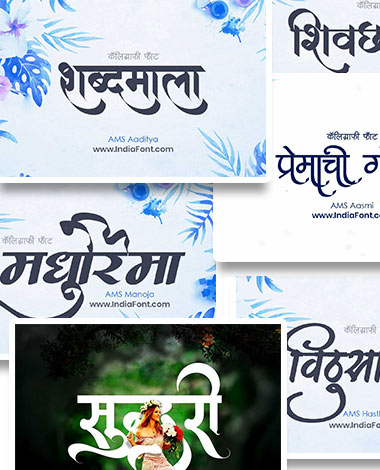
Create stunning typography combinations with our premium AMS font collection.
Transform your Hindi text into beautiful calligraphy using premium AMS fonts.
Discover perfect font combinations for your design projects.
134 Premium Fonts Collection
What you get
134 Premium Fonts Collection
Design & calligraphy in your browser • No download
What you get
Design & calligraphy in your browser • No download
A full online design studio for Indian type — like Canva, no download
What you get
A full online design studio for Indian type — like Canva, no download