Marathi Font Styles for Instagram & Mobile
Discover the best Marathi font styles for Instagram posts, Reels, and mobile design. Learn how to use stylish Marathi fonts in CapCut, Canva, and social media with our free download guide.
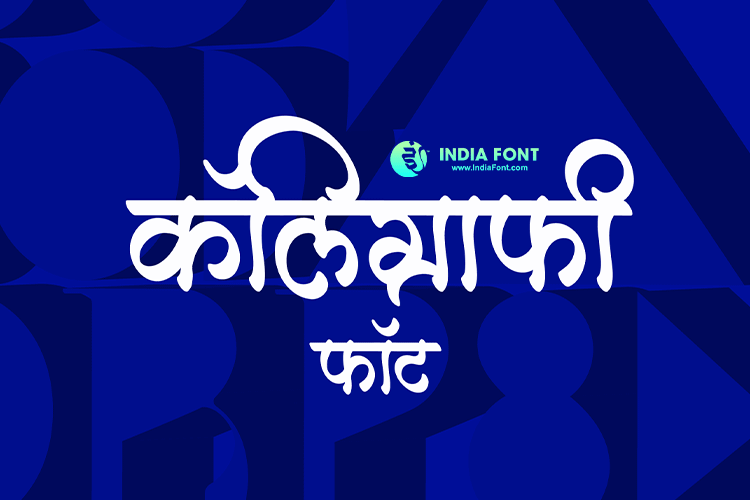
Marathi content on Instagram is booming. From motivational quotes and poetry to festival greetings and local business promotions, creators across Maharashtra are reaching millions of people in their mother tongue. But here is the challenge most face: Instagram does not natively support stylish Marathi fonts. That is where dedicated Marathi font styles come in, transforming ordinary text into visually striking designs that stop the scroll.
Whether you are a content creator building your audience, a small business owner in Pune or Mumbai, or someone who simply wants their Instagram feed to look polished, the right Marathi font can elevate your entire visual identity. In this guide, we walk through the best AMS Marathi fonts for every social media use case, show you exactly how to use them on mobile, and share practical design tips that work.
Instagram Ready
Fonts tested and optimized for Instagram feed posts, Stories, and Reels at all standard dimensions.
Mobile Friendly
Every font remains crisp and legible on small screens, so your Marathi text looks great on any device.
Calligraphy Art
Hand-designed calligraphy styles that bring the beauty of traditional Marathi lettering to your digital content.
Free Download
Download premium Marathi fonts at no cost for personal use. Start designing immediately.
Best Marathi Fonts for Instagram Posts
The Instagram feed is where first impressions happen. When someone lands on your profile, the visual consistency of your posts determines whether they tap "Follow." For Marathi content, you need fonts that are bold enough to grab attention in a crowded feed but refined enough to feel professional. Here are the AMS fonts that deliver on both fronts.
AMS Barakhadi and AMS Barakhadi 1
The Barakhadi series is built for impact. These fonts carry strong letterforms with generous weight, making them the go-to choice for post headlines, quote cards, and announcement graphics. When you are creating content like "Today's Marathi Quote" series or festival greeting posts, AMS Barakhadi gives your text the visual weight it needs to stand out in the feed. AMS Barakhadi 1 offers a slightly different character style while maintaining the same boldness, giving you variety without sacrificing consistency.
AMS Manoja
If your Instagram aesthetic leans toward elegance, AMS Manoja is hard to beat. This font blends traditional Marathi calligraphy sensibilities with a modern, clean finish. It works exceptionally well for poetry posts, thoughtful captions rendered as images, and lifestyle content where the text needs to feel personal without being casual. The letterforms have enough personality to be distinctive but remain readable at smaller sizes in carousel posts.
AMS Karuna
AMS Karuna brings warmth and approachability to your Marathi content. The slightly rounded forms and balanced spacing make it a natural fit for educational content, storytelling posts, and community-focused pages. If you run a Marathi recipe page, a parenting blog, or a local news account, Karuna helps your text feel inviting and easy to digest.
AMS Indu and AMS Kirti
These two fonts occupy the sweet spot between decorative and functional. AMS Indu has a confident, upright stance that works beautifully for business-oriented Instagram content, product announcements in Marathi, and professional service promotions. AMS Kirti, on the other hand, adds a touch more flair with distinctive letterforms that give your posts a creative edge without compromising readability. Together, they cover a wide range of Instagram use cases.
AMS Payal and AMS Meghna
For creators who want their Marathi text to feel contemporary and fresh, AMS Payal and AMS Meghna deliver modern aesthetics with clean lines. Payal has a refined simplicity that pairs well with minimalist design trends, while Meghna brings a slightly bolder presence. Both fonts render beautifully on mobile screens, which is critical since the vast majority of Instagram browsing happens on phones.
AMS Sindhu and AMS Kasturi
Rounding out the collection, AMS Sindhu is a versatile workhorse that adapts to almost any content type. Whether you are creating carousel infographics, single-image posts, or text-heavy educational content, Sindhu maintains excellent legibility. AMS Kasturi is the reliable companion for body text and longer passages. When your post contains a paragraph of Marathi text, Kasturi ensures readers do not strain their eyes, even on small phone screens.
Top Marathi Fonts for Instagram & Mobile:
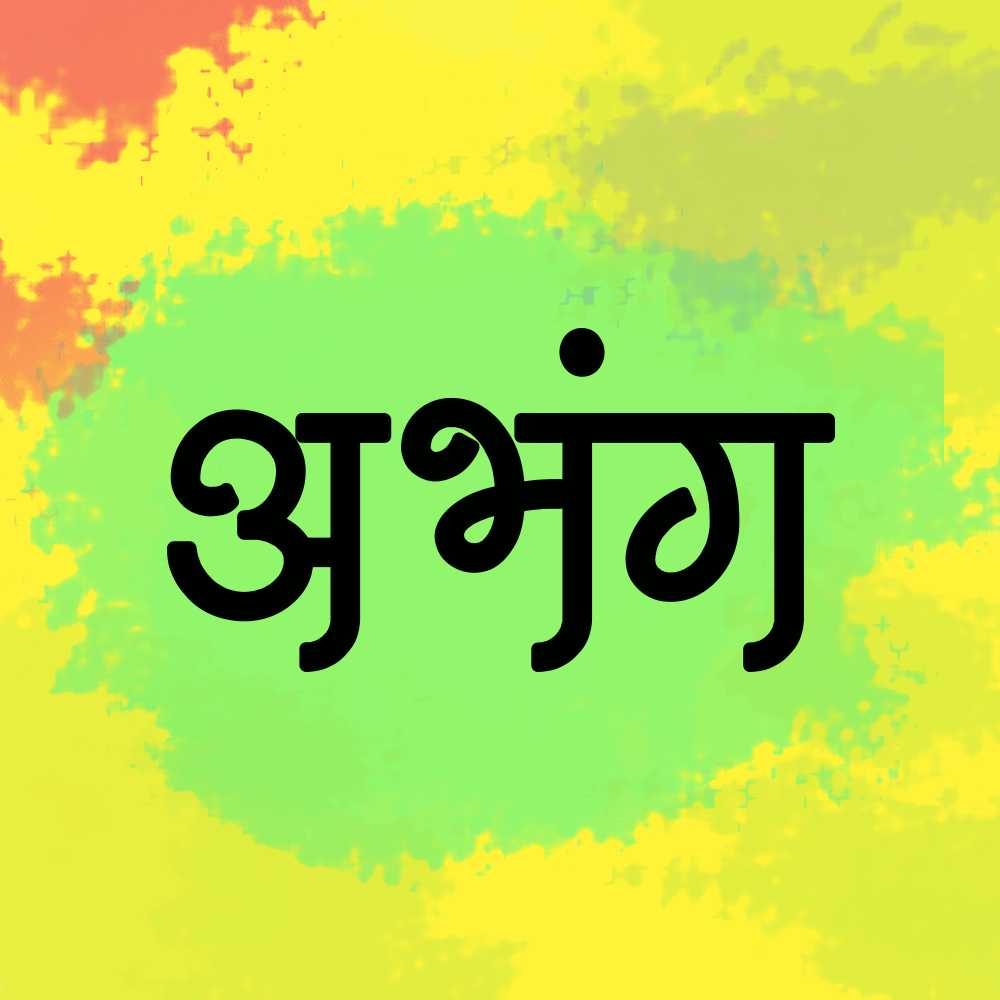
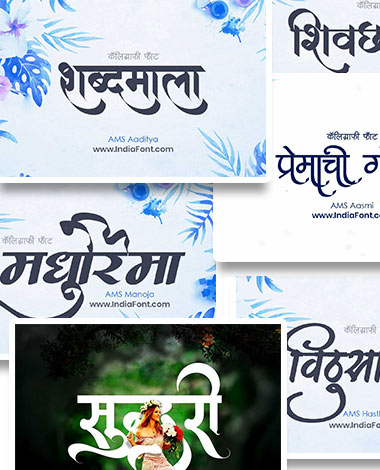
Bold and expressive Marathi font perfect for Instagram post headlines and attention-grabbing social media graphics.
Display
Elegant calligraphy font blending traditional Marathi aesthetics with modern flair. Ideal for quotes and captions.
Calligraphy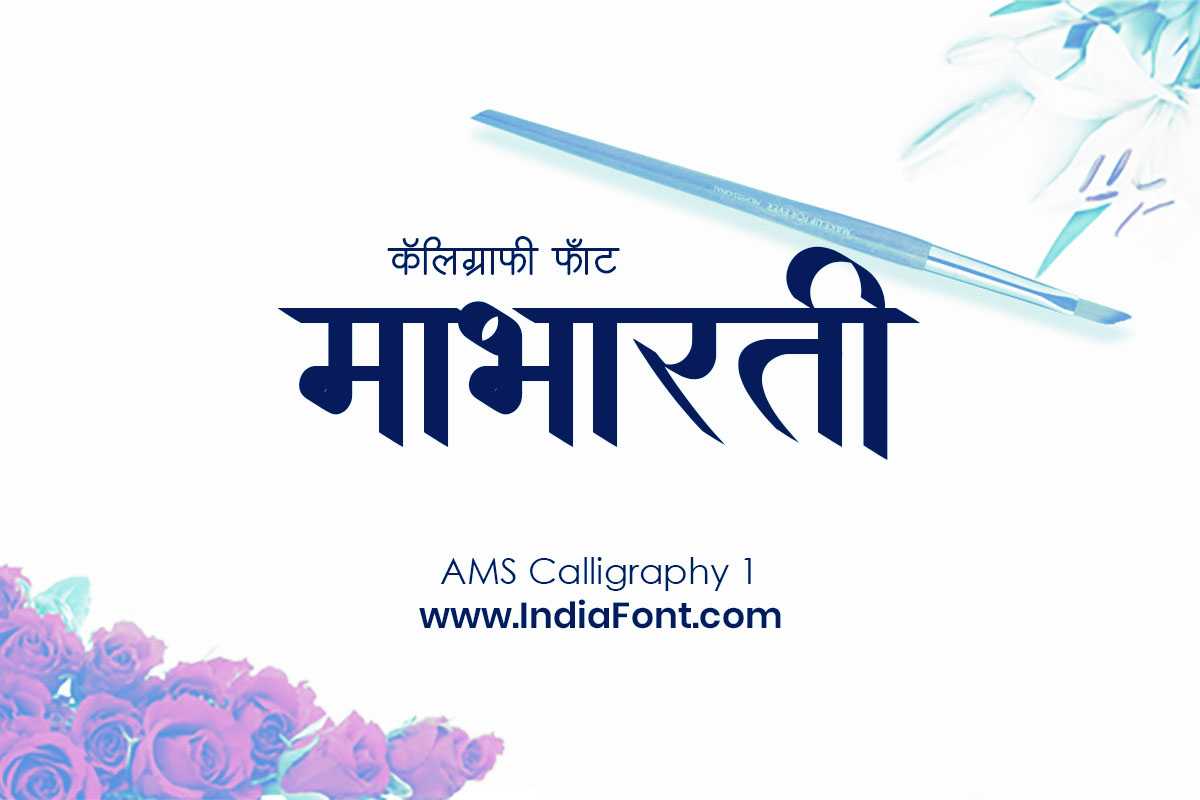
Flowing artistic calligraphy with stunning curves. Perfect for Instagram Reels title cards and Stories.
Calligraphy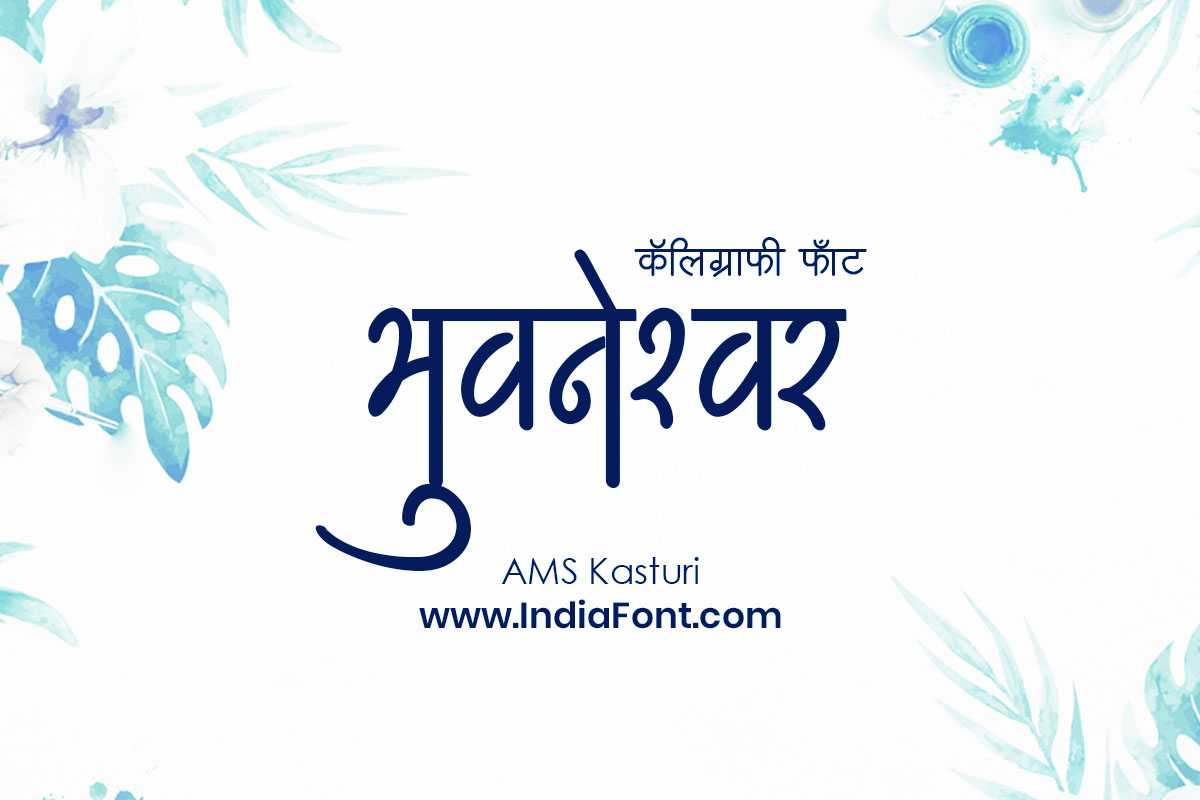
Clean and readable Marathi font that works beautifully at any size. Great for mobile-friendly body text.
Modern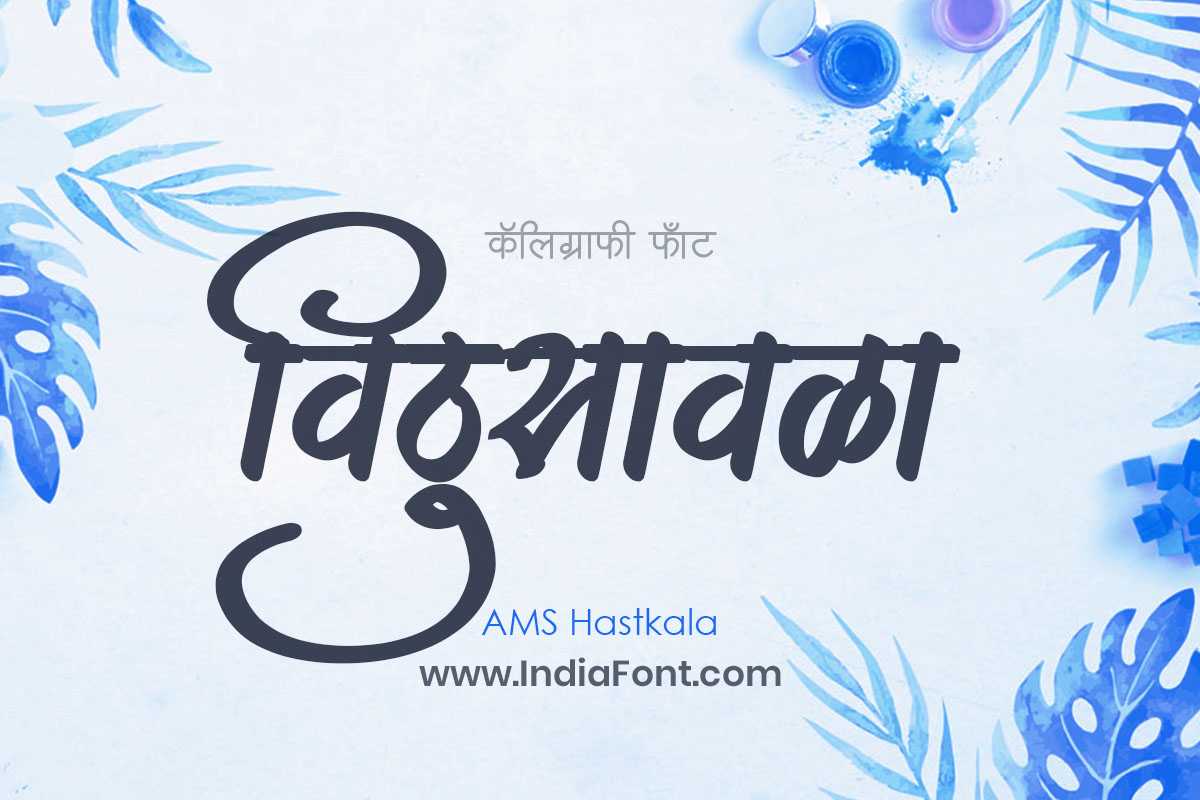
Handcrafted artisanal calligraphy with a personal, organic feel. Brings authenticity to Instagram content.
Artistic
Versatile Marathi font with strong character. Equally suited for bold social media posts and clean mobile layouts.
VersatileBest Marathi Fonts for Reels and Stories
Reels and Stories play by different rules than feed posts. Content moves fast, attention spans are shorter, and the vertical format demands fonts that make an immediate impact. Your Marathi text often appears over video footage, background music, and transitions, so it needs to cut through the visual noise. Calligraphy-style fonts excel in this format because their expressive strokes create an instant visual anchor.
AMS Calligraphy 1 through AMS Calligraphy 5
The AMS Calligraphy series is purpose-built for situations where your text needs to be the star of the design. Each variant in the series offers a unique calligraphic personality:
- AMS Calligraphy 1 features flowing, continuous strokes that feel like natural handwriting. Ideal for poetic Reels and motivational content.
- AMS Calligraphy 2 introduces more angular letterforms with dynamic contrast between thick and thin strokes, perfect for high-energy content.
- AMS Calligraphy 3 leans into decorative territory with ornamental touches that suit festival-themed Stories and celebration content.
- AMS Calligraphy 4 offers a refined, formal calligraphy style. Great for professional branding Reels and business content in Marathi.
- AMS Calligraphy 5 brings the most dramatic flair, with bold, sweeping strokes that demand attention. Use it for title cards and opening frames.
For Reels, we recommend using these calligraphy fonts for the opening text frame or key message, then switching to a cleaner font like AMS Kasturi for any supporting text or subtitles.
AMS Hastkala
AMS Hastkala literally translates to "handcraft," and that is exactly what it feels like. This font carries the organic imperfection of hand-lettered text, which resonates strongly with audiences on Stories. When viewers see Hastkala text, it feels personal and authentic rather than corporate and templated. This makes it an outstanding choice for behind-the-scenes Stories, personal updates, and community engagement content.
AMS Darshana
AMS Darshana bridges the gap between artistic calligraphy and practical readability. It has enough visual interest to hold attention in the fast-paced Stories format but remains clear enough that viewers can read your Marathi text in the brief time a Story is on screen. Use it for poll questions, story highlights covers, and interactive content where the text needs to be both attractive and instantly understandable.
How to Use Marathi Fonts on Mobile
Most Marathi content creators work primarily from their phones. The good news is that using custom Marathi fonts on mobile has become much simpler thanks to powerful apps like CapCut and Canva. Here is a step-by-step workflow for both.
Download Your Font
Visit IndiaFont.in/fonts on your mobile browser, find the Marathi font you want, and download the TTF file. The file will save to your phone's Downloads folder.
CapCut Workflow for Reels
Open CapCut and create a new project. Add your video clip, then tap Text > Add Text. Type your Marathi content using your phone's Hindi/Marathi keyboard. Tap the font name, then scroll to "Import" or "Add Font" at the bottom. Select the downloaded TTF file. Your custom Marathi font will now appear in CapCut's font list for all future projects.
Canva Workflow for Posts
Open the Canva app and start a design (Instagram Post, Story, or custom size). Add a text box and type your Marathi text. For custom fonts on the mobile app, you need Canva Pro. Tap the font name, then "Upload a font" and select your TTF file. Alternatively, install the font on your computer and use the Canva desktop app where custom fonts are available for free.
Export and Publish
Once your design is ready, export as PNG for posts or MP4 for Reels. Upload directly to Instagram. For best quality, always export at the highest resolution available.
Pro Tip: Keyboard Setup
Make sure you have a Marathi or Hindi keyboard enabled on your phone. On Android, go to Settings > System > Languages & Input > Virtual Keyboard and add a Devanagari keyboard. On iPhone, go to Settings > General > Keyboard > Keyboards > Add New Keyboard and select Marathi or Hindi. This lets you type Marathi text directly in any app.
Social Media Design Guide: Sizing, Readability, and Color
Having a beautiful Marathi font is only half the equation. How you use it in your designs determines whether your content connects with your audience or gets scrolled past. Here are the design principles that matter most for Marathi text on social media.
Optimal Dimensions for Every Format
Feed Post
Square format. Headline text: 60-80px. Body text: 36-48px minimum.
Portrait Post
Takes up more screen space. Same text sizing as square, with more room for content.
Stories / Reels
Full vertical. Headline: 80-120px. Keep text in the center 60% to avoid UI overlap.
Carousel Slide
Consistency across slides matters. Use 40-56px for body text in carousels.
Readability Rules for Marathi Text
Devanagari script has a more complex visual structure than Latin script, with the headline bar (shirorekha), vertical stems, and diacritical marks occupying more vertical space. This means Marathi text requires slightly larger sizing and more generous line spacing than English text. Follow these guidelines:
- Line height: Set to 1.4x to 1.6x the font size. Marathi text with a tight line height becomes unreadable quickly.
- Letter spacing: Avoid negative tracking. Devanagari characters need breathing room, especially at smaller sizes.
- Maximum line length: Keep Marathi text blocks to 30-35 characters per line on mobile for comfortable reading.
- Contrast: Always test white text on dark backgrounds AND dark text on light backgrounds. Some fonts render better in one mode than the other.
- Safe zones: On Instagram Stories, keep all important text within the center 80% of the frame. The top and bottom 10% are obscured by the app's interface elements.
Color Contrast That Works
For Marathi text to be readable against background images and videos, you need strong contrast. Here are proven color combinations for social media:
- White text + dark overlay: Place a semi-transparent black overlay (60-80% opacity) behind your text. This is the most reliable approach for text over photos.
- Dark text + light solid background: For quote cards and infographics, a clean white or cream background with dark Marathi text always works.
- Colored backgrounds: Deep blue, maroon, and dark green backgrounds pair beautifully with white Marathi calligraphy text. Avoid bright backgrounds with thin fonts.
- Text shadow or stroke: In CapCut and Canva, adding a subtle shadow or outline to your Marathi text dramatically improves readability over busy backgrounds.
Using Marathi Fonts in Canva: Complete Walkthrough
Canva has become the default design tool for social media creators, and it works well with Marathi fonts once you know the setup. Here is everything you need to know about using AMS Marathi fonts in Canva.
Setting Up Custom Marathi Fonts in Canva
There are two approaches depending on whether you use Canva Free or Canva Pro:
Canva Desktop App (Free)
- Download the AMS font TTF file from IndiaFont.in
- Install the font on your Windows or Mac computer by double-clicking the TTF file and clicking "Install"
- Open the Canva desktop application (not the browser version)
- Create a new design and add a text element
- Search for the font name (e.g., "AMS Barakhadi") in the font dropdown. It will appear under your system fonts
- Type your Marathi text using your computer's Hindi/Marathi keyboard input
Canva Pro (Web and Mobile)
- Log in to Canva Pro and go to Brand Kit > Fonts
- Click "Upload a font" and select your AMS font TTF file
- The font is now available across all your designs on any device
- On mobile, the uploaded font syncs automatically to the Canva app
Canva Design Tips for Marathi Content
Once your fonts are set up, these tips will help you create polished Marathi designs in Canva:
Use Templates as Starting Points
Search Canva for "Instagram post" templates. Replace the English text with your Marathi text using your AMS font. This gives you a professional layout without starting from scratch.
Create a Brand Kit
Define 2-3 Marathi fonts as your brand fonts. Use one calligraphy font for headlines (like AMS Calligraphy 3) and one clean font for body text (like AMS Kasturi) across all posts.
Leverage Text Effects
Canva's text effects like Shadow, Lift, and Hollow work well with Marathi fonts. Experiment with these to add depth without cluttering your design.
Preview on Mobile
Before publishing, use Canva's phone preview or send the design to your phone. Marathi text that looks fine on a laptop can appear too small on a phone screen.
Quick Design Without Downloads
Create Marathi Calligraphy Online - No Installation Needed
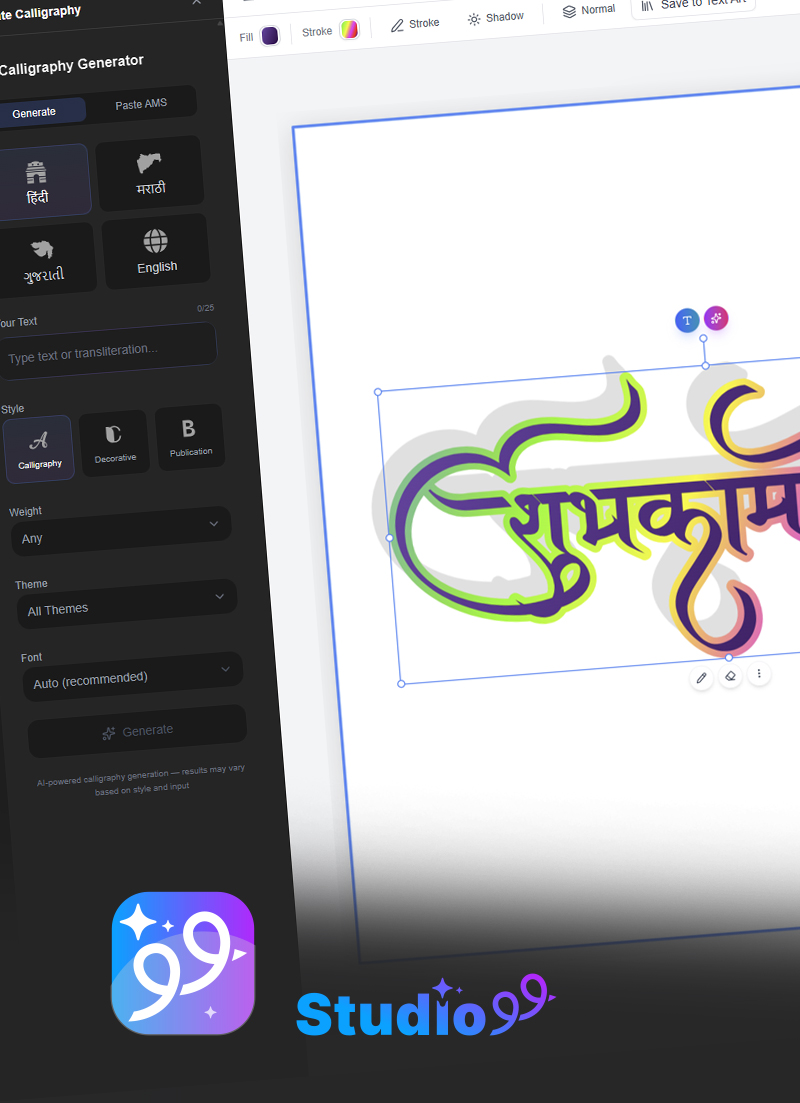
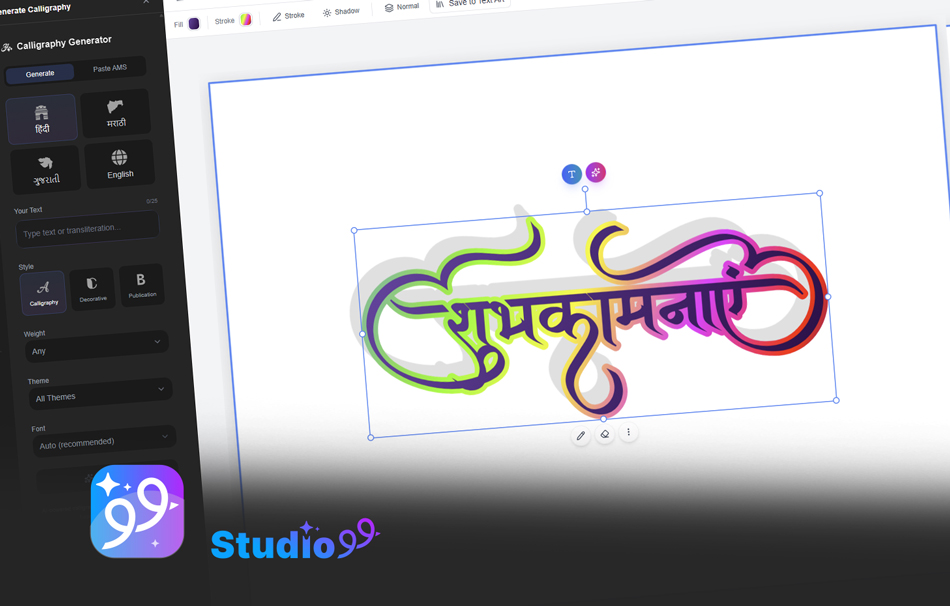
Need a quick Marathi calligraphy design for your Instagram post without downloading any font files? CalligraphyMaker.com lets you generate beautiful Marathi calligraphy directly in your browser. Type your text, choose a style, and download the image in seconds. Perfect for testing styles or creating one-off designs.
Try CalligraphyMaker FreeNeed Fonts for Your Business or Brand?
Get the Complete AMS Fonts Bundle
Running a Marathi content agency, social media management business, or design studio? Get the full AMS Fonts Bundle with 134 premium Hindi and Marathi fonts and a commercial license at just Rs. 199 (87% off).
- 134 Premium Fonts
- Commercial License Included
- All Calligraphy Styles
- Lifetime Access
- Free Future Updates
Frequently Asked Questions
How can I use Marathi fonts on my mobile phone?
You can use Marathi fonts on mobile through design apps like Canva and CapCut. Download the font file from IndiaFont.in, then upload it as a custom font in Canva (Pro required for web, free on desktop app) or import it into CapCut for video editing. Some Android phones also allow system-wide font installation through settings.
Are these Marathi fonts free to use on Instagram?
Yes, all AMS Marathi fonts on IndiaFont.in are free to download and use for personal projects, including Instagram posts, Stories, and Reels. If you are using fonts for a business account or commercial purposes, consider purchasing the AMS Fonts Bundle with a commercial license.
Which Marathi font is best for Instagram Reels?
For Instagram Reels, calligraphy fonts like AMS Calligraphy 1 through AMS Calligraphy 5, AMS Hastkala, and AMS Darshana work exceptionally well. These fonts have bold, expressive strokes that remain readable even in fast-moving video content and small mobile screens.
Can I use these Marathi fonts in Canva?
Yes. Install the font on your computer and use it via the Canva desktop app for free. For the Canva web version, you need a Canva Pro subscription to upload custom fonts. Once uploaded, Marathi fonts appear in your font library and can be used across all your designs.
What size should Marathi text be for Instagram posts?
For Instagram feed posts (1080x1080px), keep headlines at 60-80px minimum and body text at 36-48px for readability on mobile. For Stories and Reels (1080x1920px), increase headline size to 80-120px. Always preview your design on a phone screen before publishing.
How do I add Marathi fonts to CapCut for video editing?
In CapCut desktop, download the TTF font file from IndiaFont.in and install it on your computer. Then open CapCut, add a text layer, and select the installed font from the font dropdown. On CapCut mobile, you can import fonts through the app's font manager by tapping "Add Font" and selecting the downloaded TTF file from your phone storage.
Do these fonts support both Marathi and Hindi text?
Yes, all AMS Devanagari fonts fully support both Marathi and Hindi, since both languages share the Devanagari script. You can type in either language using the same font file without any issues.
For Professional Designers: IndiaFont Desktop
Take Your Marathi Social Media Design to the Next Level
If you are a professional designer working with CorelDRAW, Photoshop, or Illustrator and need advanced Marathi typography capabilities, IndiaFont Desktop software provides everything you need:
- Direct Marathi typing within your design software
- Access to 500+ Hindi and Marathi fonts
- Auto-correction and text formatting tools
- Organized font library by style and category
Start Creating Stunning Marathi Content Today
Download your favorite Marathi fonts and transform your Instagram presence. Free for personal use.
Browse All Marathi FontsThe Marathi-speaking audience on Instagram continues to grow rapidly, and content that speaks to them in their own language with beautiful typography has a significant advantage. Whether you choose the bold impact of AMS Barakhadi for your feed posts, the artistic flair of AMS Calligraphy for your Reels, or the practical elegance of AMS Kasturi for your Stories, these fonts give you the tools to create content that truly resonates. Download your favorites, experiment with the design tips shared above, and watch your Marathi content connect with your audience like never before.