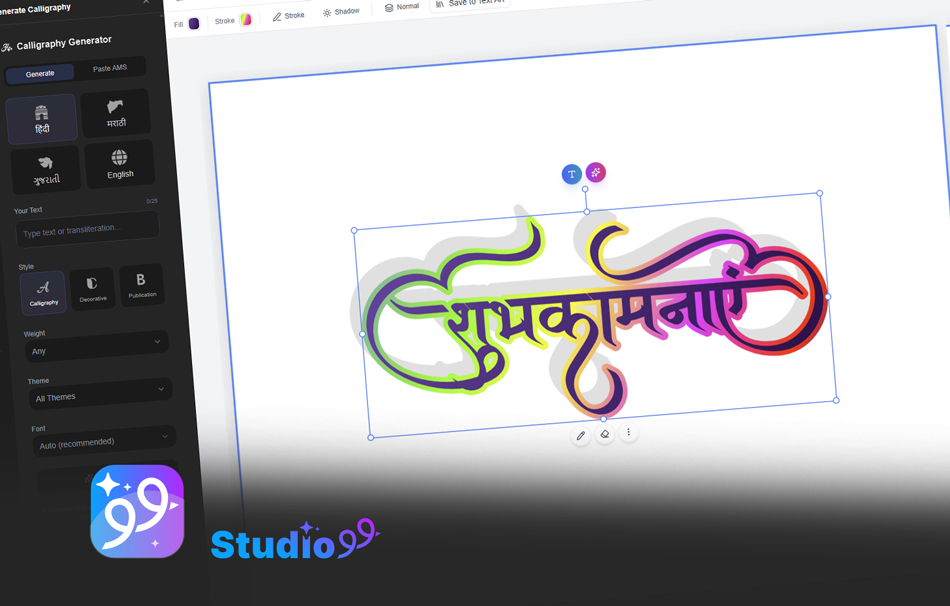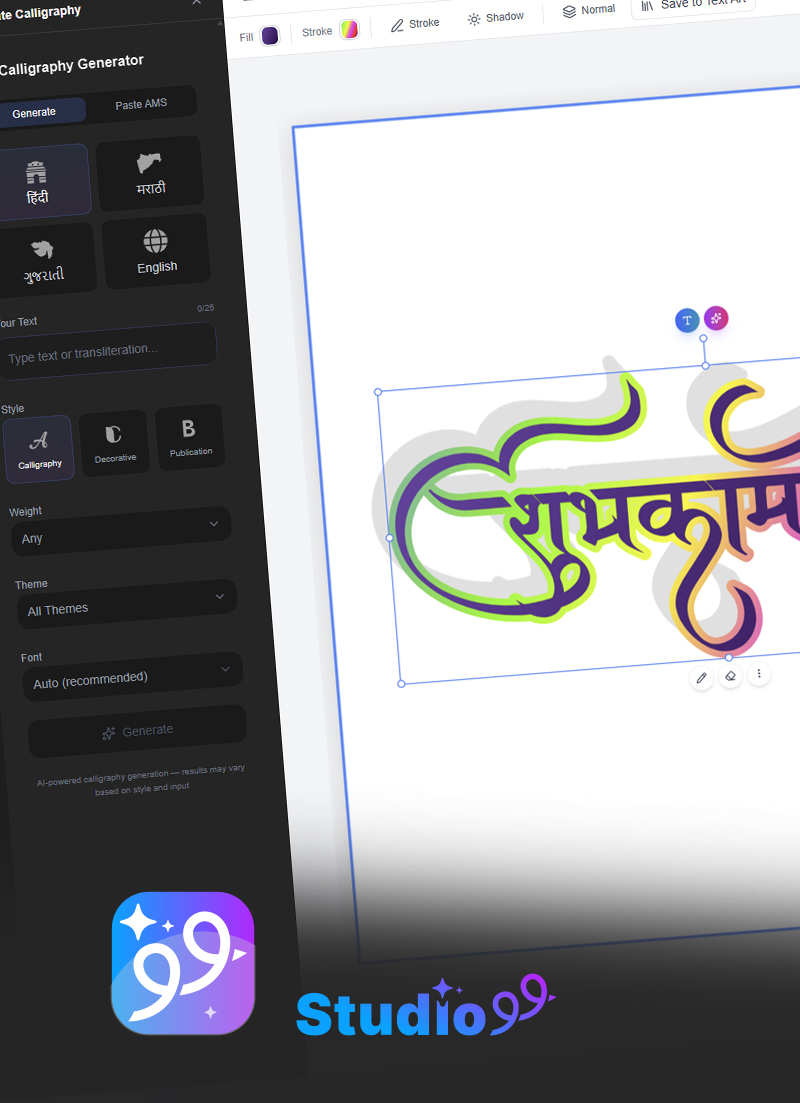
Design & generate beautiful calligraphy online — the web version of IndiaFont. A full editor like Canva, built for Indian type. No download, works in your browser.
Free trial available
Try Studio99Turn AMS font text back into normal Unicode Hindi, Marathi or Gujarati — so it works in WhatsApp, MS Word, Google Docs and on any phone. Free, instant, no signup.
Paste exactly what you copied — it's fine if it looks like English letters.
Need the other direction? Use the Unicode to AMS converter.
Unicode gives every Hindi, Marathi and Gujarati character one fixed code, so it reads the same on every device. AMS fonts are older non-Unicode fonts: they reuse English key positions for Devanagari shapes, which gives designers rich calligraphic conjuncts but makes the text unreadable without the font. That is why the same word can appear as svaagata outside the font and स्वागत inside it.
Want to type in an AMS font? Browse 170+ free AMS fonts and use the Unicode to AMS converter.
AMS fonts store Hindi, Marathi and Gujarati letters in custom (non-Unicode) positions, so text typed in an AMS font looks like random English letters anywhere the font isn't installed. This converter turns that AMS text back into standard Unicode, which displays correctly in WhatsApp, MS Word, Google Docs, websites and every phone.
Copy the text from your CorelDRAW, Photoshop, PageMaker or Word file while it is still in the AMS font, paste it in the box above, choose Hindi/Marathi or Gujarati, and click Convert. Copy the Unicode result and paste it wherever you need it.
That is normal. AMS is a non-Unicode font encoding, so outside the AMS font the same characters show up as Latin letters and symbols (for example "svaagata"). Paste that text here as-is — the converter reads exactly those characters.
It is very accurate for normal text — in our tests over 98% of words convert back exactly. A few rare forms share the same AMS code (for example ऑ and आँ), so give the result a quick read before publishing.
Yes. It is completely free, works in your browser, needs no signup, and converts up to 2,000 characters at a time.
Use our free Unicode to AMS converter — type or paste Unicode Hindi, Marathi or Gujarati text and copy the AMS output for use with AMS fonts.
Related Services
Design & generate beautiful calligraphy online — the web version of IndiaFont. A full editor like Canva, built for Indian type. No download, works in your browser.
Free trial available
Try Studio99Professional desktop software for designers and agencies. Create publication-ready calligraphy with advanced typography tools.
Professional solution
Get SoftwareDesigner Approved
Time Efficient
Creative Tools
Enhance your design workflow with our complete suite of typography and calligraphy tools
Convert text between different font encodings for Hindi, Marathi, and Gujarati.
Create stunning typography combinations with our premium AMS font collection.
Transform your Hindi text into beautiful calligraphy using premium AMS fonts.
Discover perfect font combinations for your design projects.
The complete 134-font AMS bundle in one download
What you get
The complete 134-font AMS bundle in one download
Design & calligraphy in your browser • No download
What you get
Design & calligraphy in your browser • No download
A full online design studio for Indian type — like Canva, no download
What you get
A full online design studio for Indian type — like Canva, no download